Product
Great geofences make great dispatchers. How we built geofence filtering in Sonar
Geofence filtering is a new Sonar Software feature that lets dispatchers filter the job queue by service area and see which techs already have work inside it that day. Support and operations teams can filter accounts and tickets by the same boundaries.
Warren Lyn, Product Manager
November 13, 2026 · 5 MIN · UPD NOV 13, 2026
Maria builds next week's schedule on Wednesday afternoon.
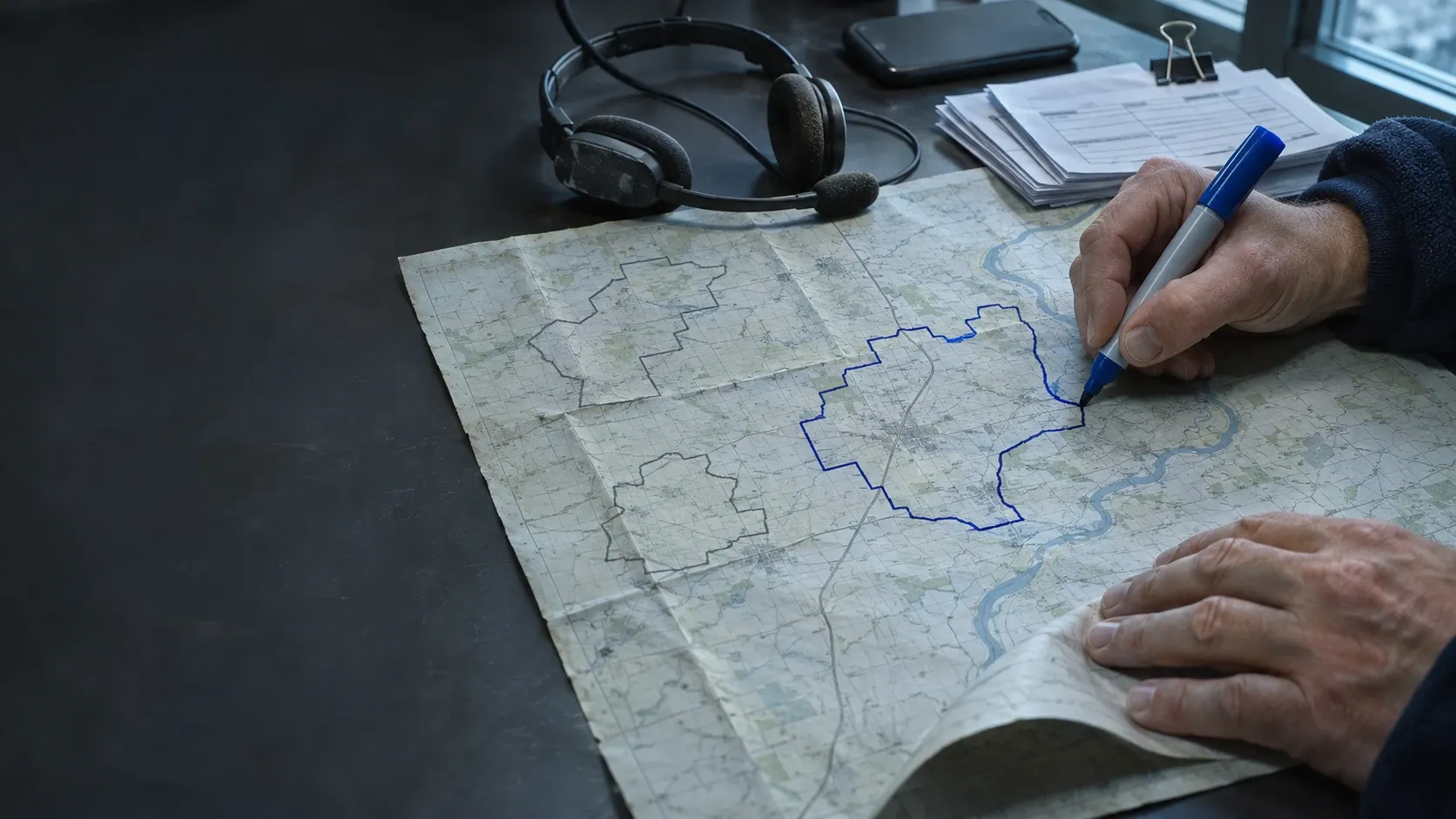
Her ISP lit up a new county this year, so the job queue now holds work from all over the map. She scrolls through it with a map open in another tab, checking addresses one at a time to sort out which jobs are in the new county and which aren't.
Then comes the technician list. She's pretty sure Dave is working out east next Tuesday. She thinks Luis has a job up there that afternoon, so she opens his schedule to check. He doesn't. That one got moved on Monday.
By the time next week is built it's after five, and she's still not completely sure she didn't send Dave across the county for a job Luis was ten minutes from.
None of that is hard work, exactly. It's just slow, and it gets slower with every service area you add. If you're growing through new builds, whether funded by (the federal Broadband Equity, Access and Deployment program) or otherwise, or by bringing in a neighboring network, your map gets bigger, and so does the pile your dispatcher sorts through by hand every week.
Why ISPs asked for geofence filtering
ISPs asked for geofence filtering so they could find and plan work by the same service-area boundaries they already map. I'm the product manager on geofence filtering. Rick Seemann, our VP of Product Management, put it this way when we announced it. "Operators have been asking to organize their work by geography for a long time, and the reason is practical. A lot of our customers are growing into new territories or running more than one brand at once. They need the system to reflect how their business is actually laid out."
Most of you already have those boundaries. Your service areas are mapped in a file somewhere, and many of you use geofences in Sonar to set where techs work and which addresses can get a service. Geofence filtering lets you use those same boundaries to find the work.
How geofence filtering works on a real dispatch afternoon
In the dispatcher view, a dispatcher filters the job queue and the technician list by the same geofence, and both narrow to the work inside that boundary for the selected day.
Let's run Maria's Wednesday again.
She opens the dispatcher view and filters the job queue by the new county's geofence. The queue narrows to the jobs inside that boundary. Then she filters the technician list by the same geofence. Sonar looks at the jobs already assigned for Tuesday and keeps the techs whose work falls inside it. Dave is on the list. Luis isn't, which settles that question without opening his schedule.
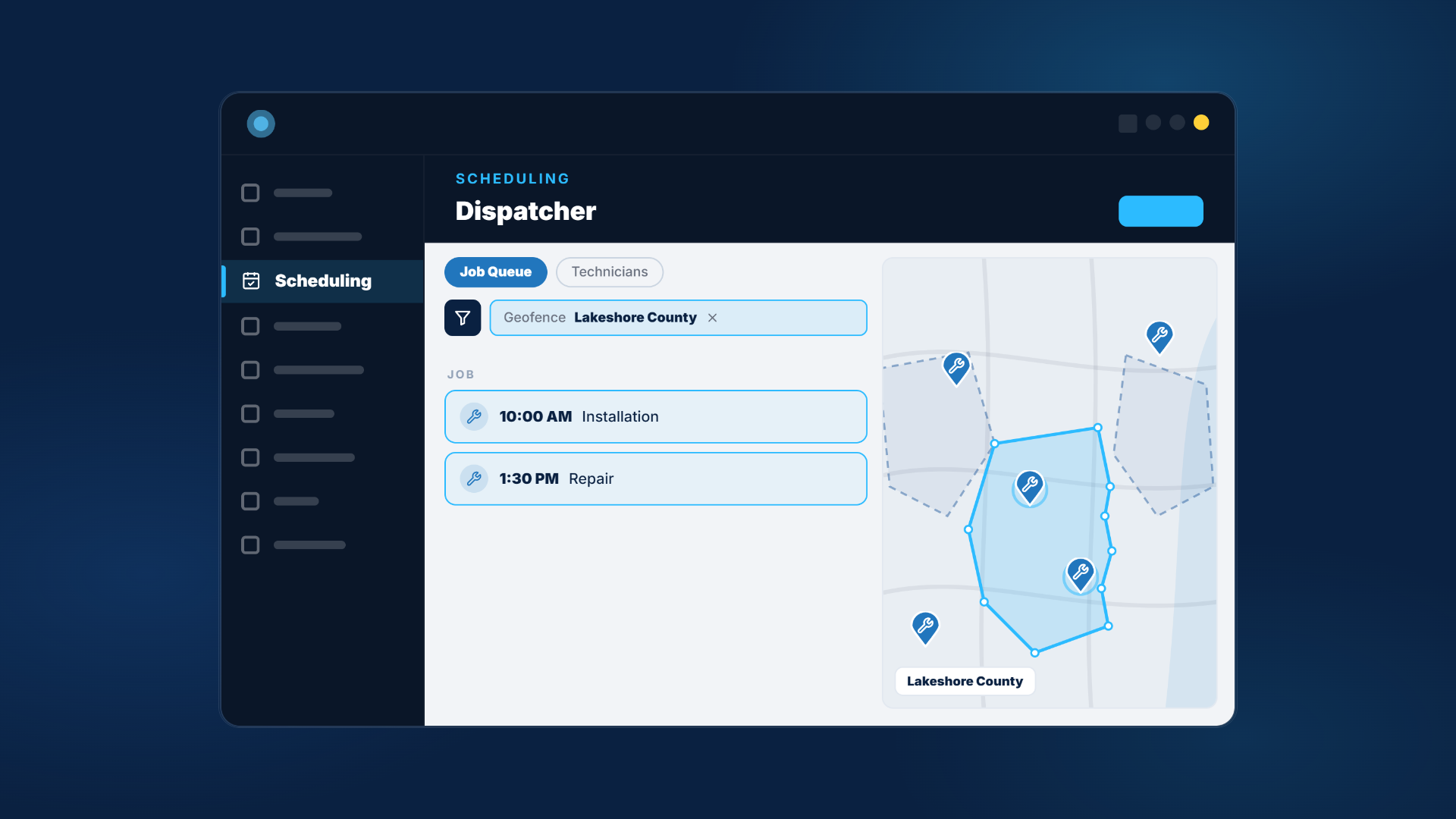
She plans the county from a short list instead of a long one, then switches the filter to the next area.
Down the hall, her support lead Tanya gets a call about slow speeds in one build area. She filters open tickets by that build area's geofence to see whether it's one house or a pattern, without exporting a list and cross-checking addresses by hand.
The short version, step by step
- Open the dispatcher view in Sonar.
- Filter the job queue by a geofence to see only the jobs inside it.
- Filter the technician list by the same geofence. Sonar keeps the techs who have jobs inside it on the selected day.
- Plan that area's work, then switch to the next geofence.
Geofence filtering works across tables in Sonar. Accounts, tickets and jobs are where you'll likely get the most out of it, but you'll see it in other places too.
- Job queue. Shows only the jobs inside a geofence.
- Technician list. Shows the techs with jobs inside a geofence on the selected day.
- Accounts and tickets. Narrows to one service area, build area or territory.
- Companies on new accounts. A company tied to its geofences only shows up for addresses inside them.
- Reports. Coming soon, so you can focus reports on the areas you care about.
If you run more than one brand, the companies entry in the list above is worth a closer look. Say Maria's company kept the name of a network it bought, and that brand only serves one county. When someone sets up an account at an address outside that county, the brand simply won't be on the list to choose from. That's one less way for the wrong name to end up on an account.
Why geofence filtering stays fast
Performance was the priority. ISPs manage a lot of addresses, and we wanted geofence filtering to stay fast no matter how large an instance grows. Nobody wants the filter that was supposed to save time to be the thing Maria waits on.
To keep filters fast, Sonar does the heavy lifting ahead of time. When you create or edit a geofence, Sonar works out in the background which addresses fall inside it so it's ready for filtering. You'll see a processing status on the geofence while it runs, and it usually finishes within a few minutes. New serviceable addresses are added to the right geofences automatically.
To keep that processing quick, there's also a limit on how detailed a geofence can be. Very few customer geofences come close to it, and if yours do, we'll reach out directly. Your existing geofences keep working for scheduling and services the same way they do today.
How to get your geofences into Sonar
You can import geofences from KML, KMZ and GeoJSON files (the map file formats that Google Earth and most GIS tools export), which is how most operators already have their service areas mapped. When you draw a geofence by hand, your existing geofences show on the map while you work, so a new boundary lines up with the ones next to it. That change came straight from customer feedback. And when you tag a geofence to a company, the side panel shows the boundary so you can check you've picked the right one.
The full setup is in the geofences knowledge base article. If you have a use for geofence filtering we haven't thought of, tell your CSM or reach out to me directly. A few of the changes in this release started exactly that way.
Maria still builds next week's schedule on Wednesday afternoon. She just gets to finish before five.
See how Sonar's scheduling tools and Location Tools help you plan work around your service areas.
Questions, answered.
How do dispatchers filter jobs by geofence in Sonar?
In the dispatcher view, filter the job queue by a geofence to see only the jobs inside it. The technician list can be filtered by the same geofence to show the techs with jobs inside it on the selected day.
Which file formats can I import?
KML, KMZ and GeoJSON.
Do my existing geofences change?
No. They keep working for technician scheduling and service eligibility the same way they do today.
Are there size limits on geofences?
Yes. Uploads are limited to 10,000 points, and Sonar simplifies each geofence automatically without changing its shape. Geofences with 5,000 points or fewer after simplification work with filtering. A larger one keeps working as it does today but won't appear in the filters, so edit it to reduce its points rather than deleting and recreating it.
How long until a new geofence works in filters?
Sonar processes it in the background, and it usually finishes within a few minutes. You'll see a processing status while it runs.
Can I filter reports by geofence?
That's coming soon.
See it on the platform
20 minutes wired to your operation.
An ISP-only specialist walks Sonar through your specific use case. No generic deck, no horizontal SaaS pitch.
Book a meeting