Product
How ISPs Manage Serviceable Addresses for MDUs and Multi-Site Accounts
Discover how Anchor & Linked Serviceable Addresses help ISPs manage MDUs and multi-site customers with cleaner billing, faster onboarding, & better control
Rick Seemann, VP, Product Management
December 8, 2025 · 3 MIN · UPD JUN 16, 2026
Anchor and Linked Serviceable Addresses let ISPs group related locations under a single record while still managing each unit or site individually, so MDUs, HOAs, and multi-site business accounts stay organized with cleaner billing and faster onboarding.
If you work with MDUs, HOAs, or business customers with multiple locations, you know the pain of trying to keep serviceable addresses clean and consistent. One building turns into twenty units. One company turns into six branches. Then billing gets messy, service catalogs get confusing, and simple updates start to feel like a project.
This is why the Anchor and Linked Serviceable Addresses feature matters. It gives ISPs a clean way to group related locations, manage them at scale, and reduce the manual work that usually follows multi-site accounts.
Curious to see how it works, watch the short video below 👇
What Anchor and Linked Serviceable Addresses Solve
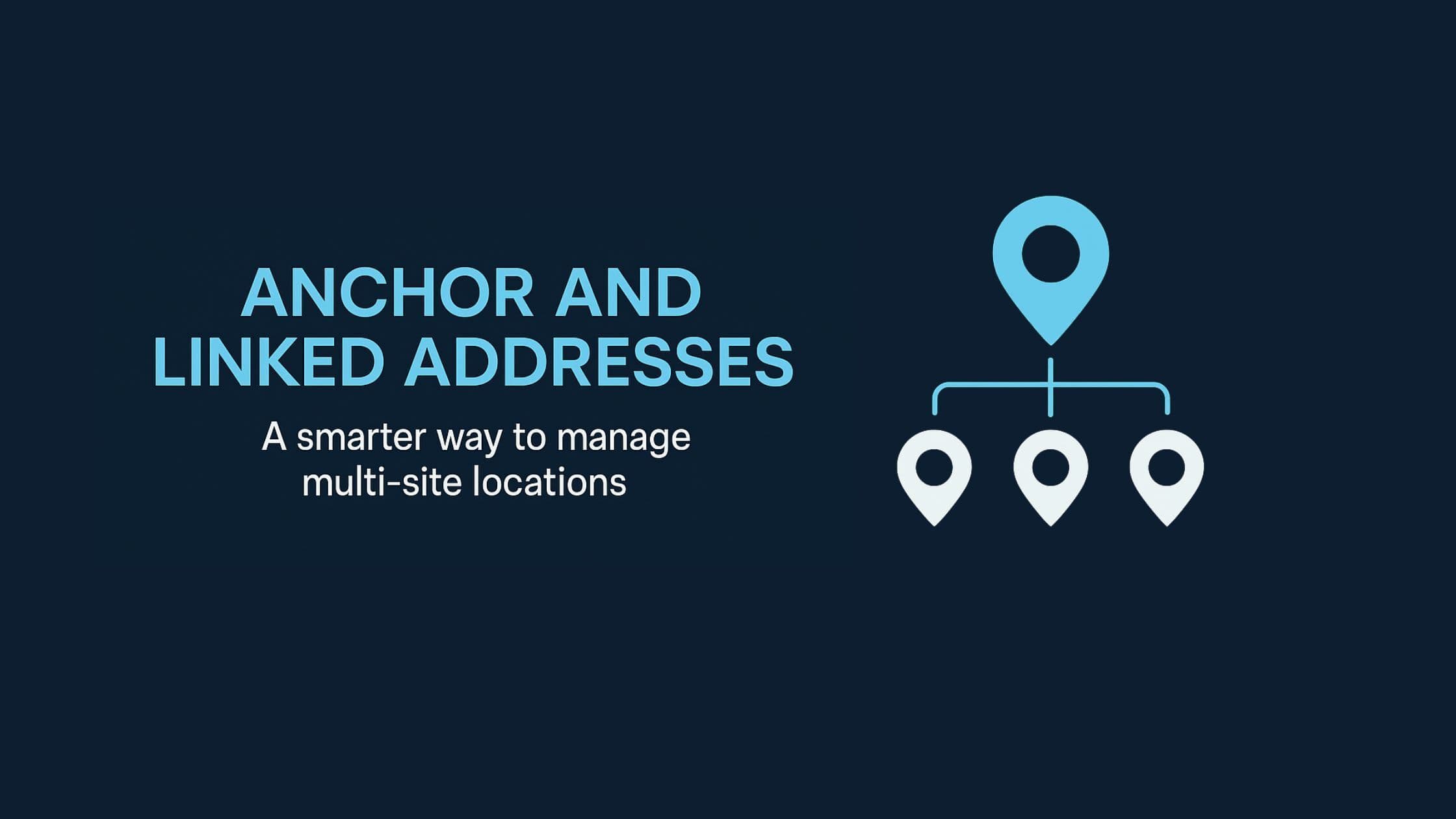
An Anchor address is the primary or central location. Linked addresses sit underneath it and represent units, suites, or additional sites. Together, they create a structure that actually reflects how property owners, managers, and businesses operate.
With this setup you get:
More accurate location management
You can keep a building or business together as one record while still managing each unit or site individually. No more workarounds or odd naming conventions to stay organized.
Faster onboarding with bulk creation
Bulk creation means you can load an entire building or corporate account at once. This is a huge improvement for teams that onboard large MDUs or business parks.
Flexible billing for units and Anchor payers
You can choose to bill each unit separately or treat the Anchor as the payer. It also supports subsidy billing, which is helpful for landlords, HOAs, or corporate agreements.
Better operational control over delinquency
If the Anchor account becomes delinquent, you choose whether all linked accounts are suspended or only the Anchor. This puts you in control of how risk is managed across a property or business group.
Service catalogs that fit each location
You can customize which services are available at each Linked address. This is ideal for new developments, HOAs, phased fiber rollouts, or business plans that vary by site.
Where This Feature Helps Most
This structure is especially useful for:
• Apartments, condos, and MDUs
• HOAs and new residential developments
• Corporate customers with multiple offices
• Business parks and multi-tenant commercial properties
Instead of piecing together locations manually, everything is organized in a way that supports clean billing, accurate reporting, and easier service delivery.
Why Serviceable Address Structure Matters for Growing ISPs
Growth brings complexity. As providers take on more properties and multi-site customers, traditional address management becomes a bottleneck. Anchor and Linked Addresses solve that by offering a structure that scales. It reduces manual work, lowers the chance of errors, and makes it easier to deliver consistent service across every location involved.
If multi-unit or multi-site accounts are part of your world, this feature creates the clarity and control you have probably wished for more than once. Inside Sonar Software, Anchor and Linked Serviceable Addresses bring that structure directly into your billing and subscriber management workflow.
If you manage MDUs or multi-location customers, this update can save you time every day. Schedule a demo to see it in action.
Frequently asked questions
What is the difference between an Anchor address and a Linked address?
An Anchor address is the primary or central location, such as a building or corporate headquarters. Linked addresses sit underneath the Anchor and represent the individual units, suites, or additional sites tied to it.
Can I bill each unit separately under an Anchor account?
Yes. You can bill each unit separately or treat the Anchor as the payer, and the feature also supports subsidy billing for landlords, HOAs, or corporate agreements.
What happens to linked accounts if the Anchor goes delinquent?
You decide. When an Anchor account becomes delinquent, you choose whether all linked accounts are suspended or only the Anchor, keeping you in control of risk across the property or business group.
Questions, answered.
What are Anchor and Linked Serviceable Addresses in an ISP billing system?
Anchor and Linked Serviceable Addresses let ISPs group related locations under one record while still managing each unit or site individually. The Anchor address is the primary location, and Linked addresses sit underneath it to represent units, suites, or additional sites.
How do Anchor and Linked Addresses help ISPs onboard large MDUs and business parks faster?
Bulk creation lets ISPs onboard an entire building or corporate account at once. This speeds up setup for large MDUs and business parks instead of adding each unit one at a time.
Can ISPs bill each unit separately or treat the Anchor account as the payer?
ISPs can bill each unit separately or treat the Anchor as the payer. The structure also supports subsidy billing for landlords, HOAs, and corporate agreements.
What happens to linked accounts when an Anchor account becomes delinquent?
When an Anchor account becomes delinquent, the ISP chooses how to handle the linked accounts. They can suspend all linked accounts or suspend only the Anchor.
See it on the platform
20 minutes wired to your operation.
An ISP-only specialist walks Sonar through your specific use case. No generic deck, no horizontal SaaS pitch.
Book a meetingWritten by
Rick SeemannVP, Product Management
Rick Seemann is VP of Product Management at Sonar Software. He covers new features, product releases, and how the platform keeps ISPs BEAD-compliant.
All posts by Rick Seemann